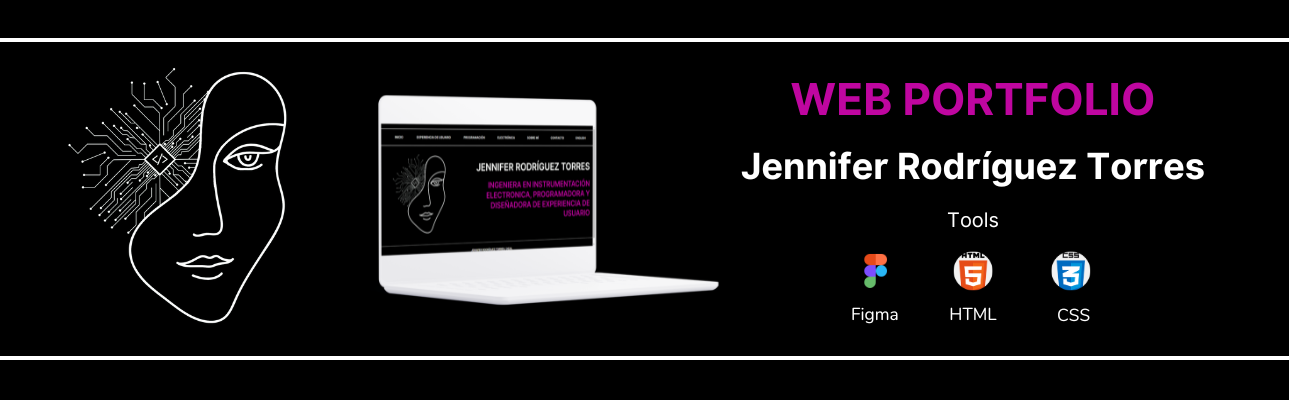
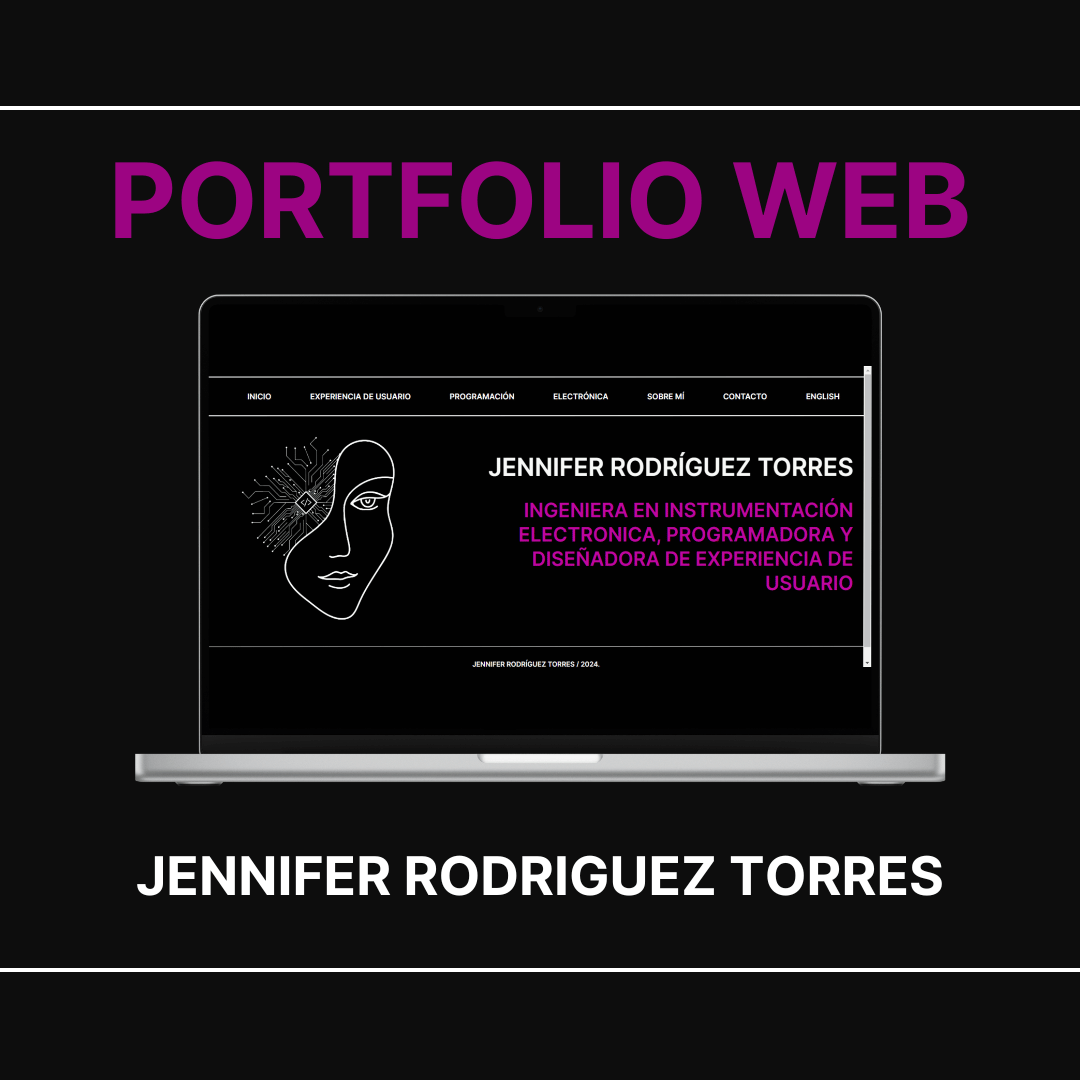
The Problem
I needed to develop a professional online portfolio that would allow recruiters and interested people to clearly understand my skills and previous projects.
The Goal:
Create an attractive and easy-to-navigate platform that highlights my achievements and skills, clearly and convincingly showcasing my professional experience and contributions.
My Role: |
Target Audience: |
|
UX/UI Designer and Programmer. |
Recruiters, potential employers, and people interested in my professional profile. |
My Responsibilities: |
Duration: |
|
Conceptualization, Planning, UX Design, Frontend Development, Content Organization, Optimization, Documentation, Promotion. |
June 2022 - May 2024 |
Design Process:
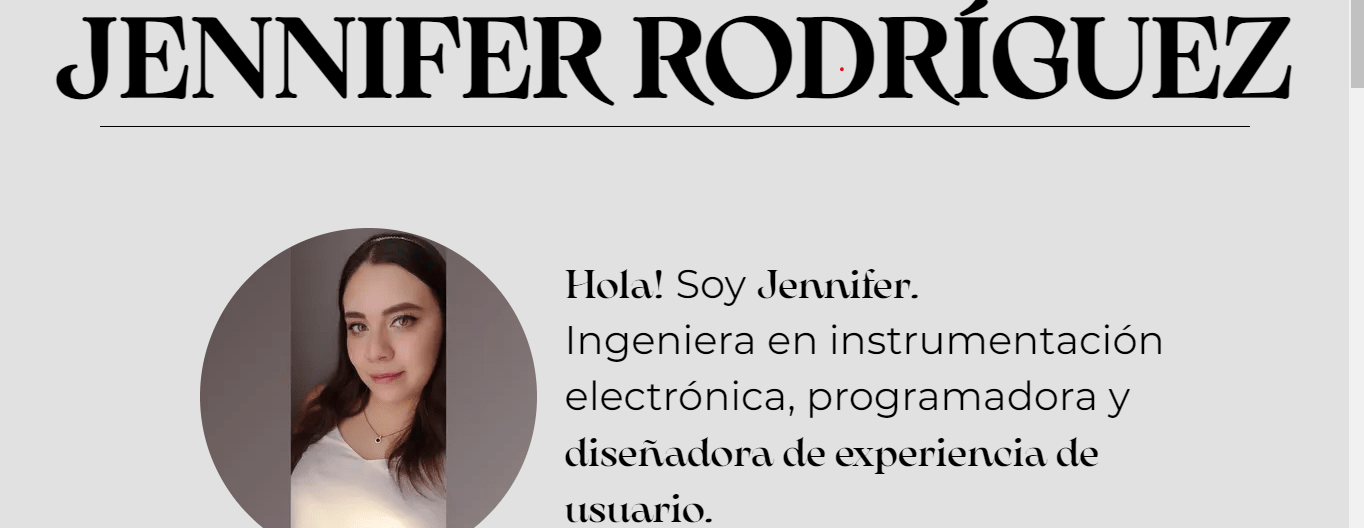
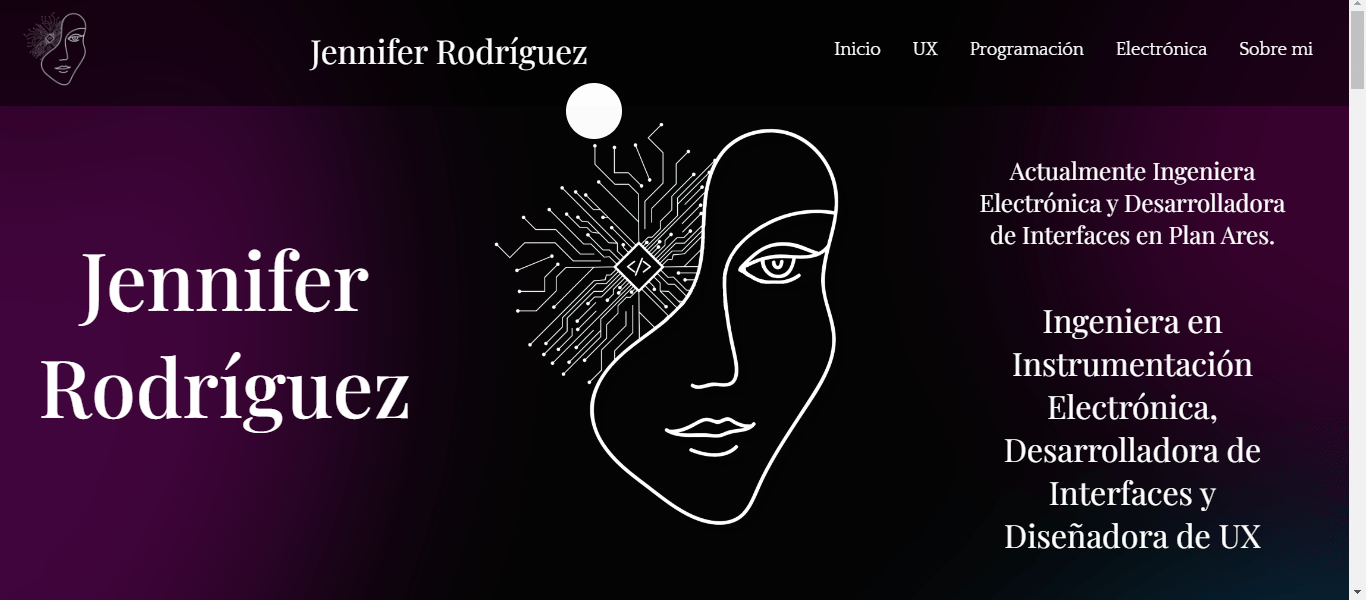
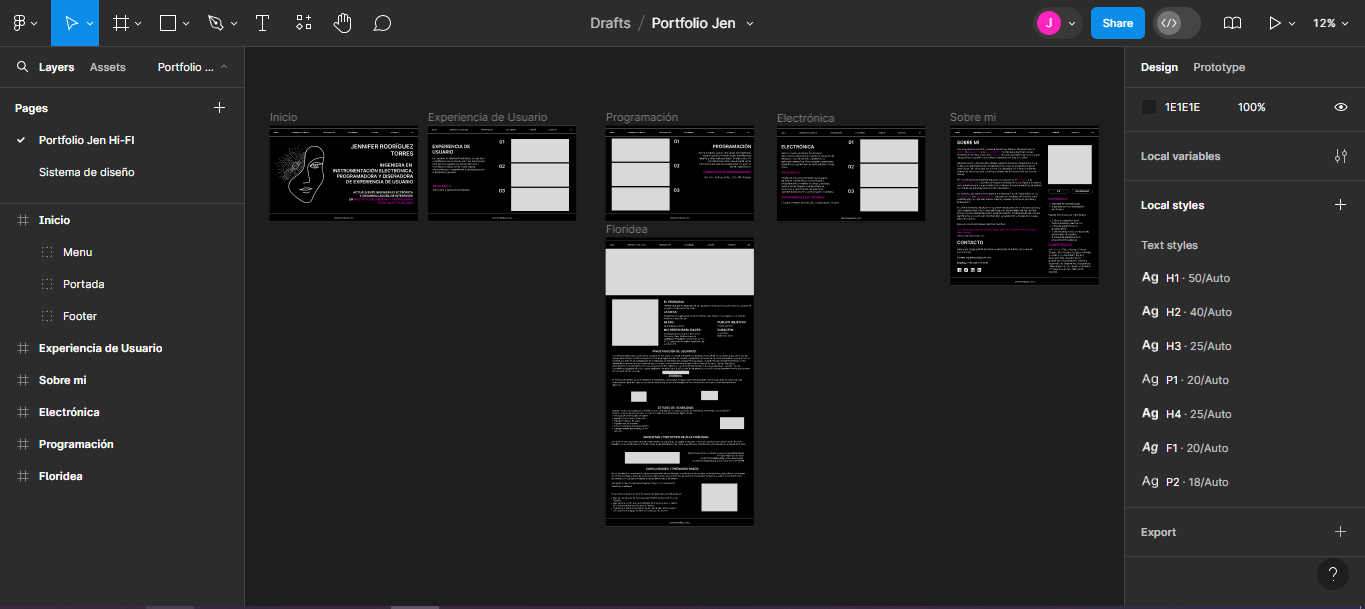
When I began studying User Experience Design, the program encouraged creating a portfolio to showcase all my projects. I was also interested in learning frontend development to display my work in UX, programming, and electronics. As part of the process, I reviewed examples of other portfolios and selected those that reflected the style I wanted to project. I designed several versions but ultimately chose the one created in Figma, which I learned during the UX course. I opted for a minimalist and creative design that represented my identity.
Frontend Development:
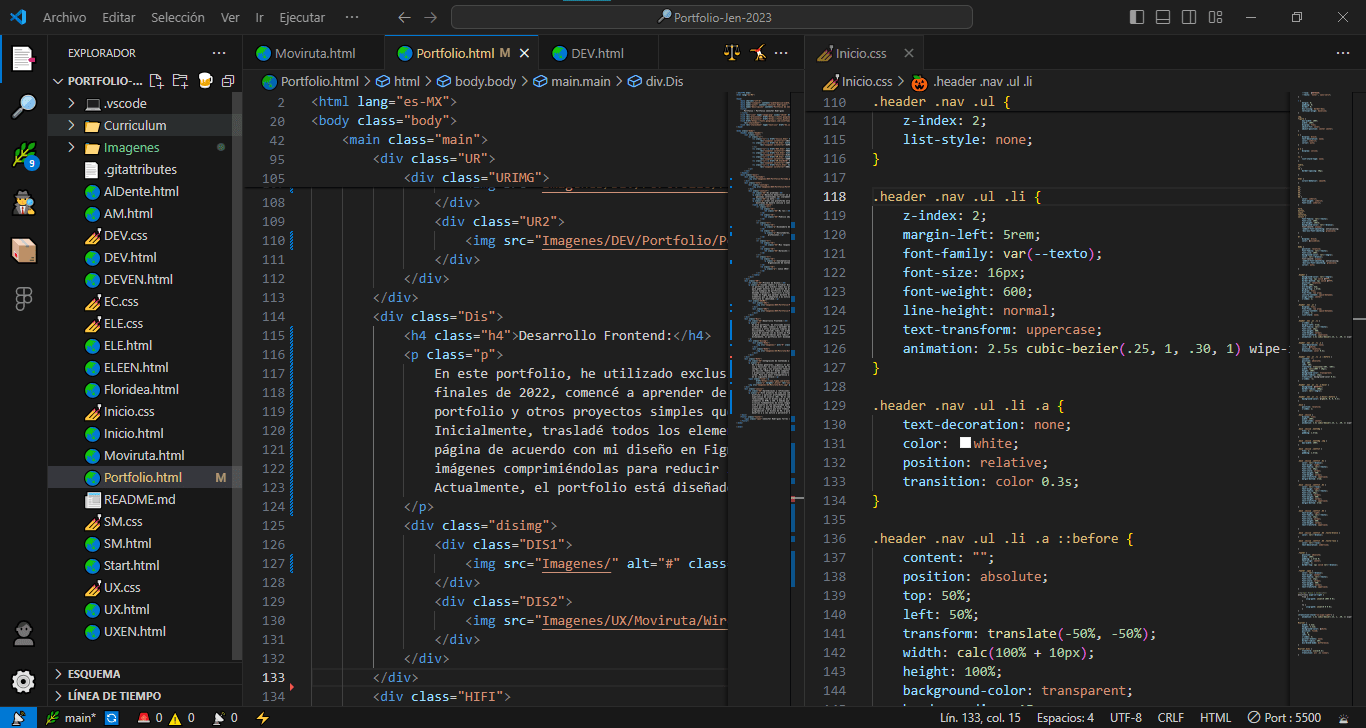
In this portfolio, I used exclusively frontend tools such as HTML5, CSS3, and JS. At the end of 2022, I began learning these languages self-taught, continuously practicing through this project and other simple sites I plan to launch in the future to support my community. I started by transferring the design from Figma to HTML code and then structured it by applying custom styles with CSS. I also optimized the images to improve the site’s performance. Currently, the portfolio is designed to be viewed only on desktop browsers.
Content and Features Integration:
I organized the portfolio in an intuitive and simple way to make navigation easier and reduce usage errors. I classified the projects into categories of UX, programming, and electronics. I also included an “About Me” section where I share my professional and personal interests, skills, and contact details. I also integrated my CV and a link to the source code, available for public viewing.
Portfolio source code on Github.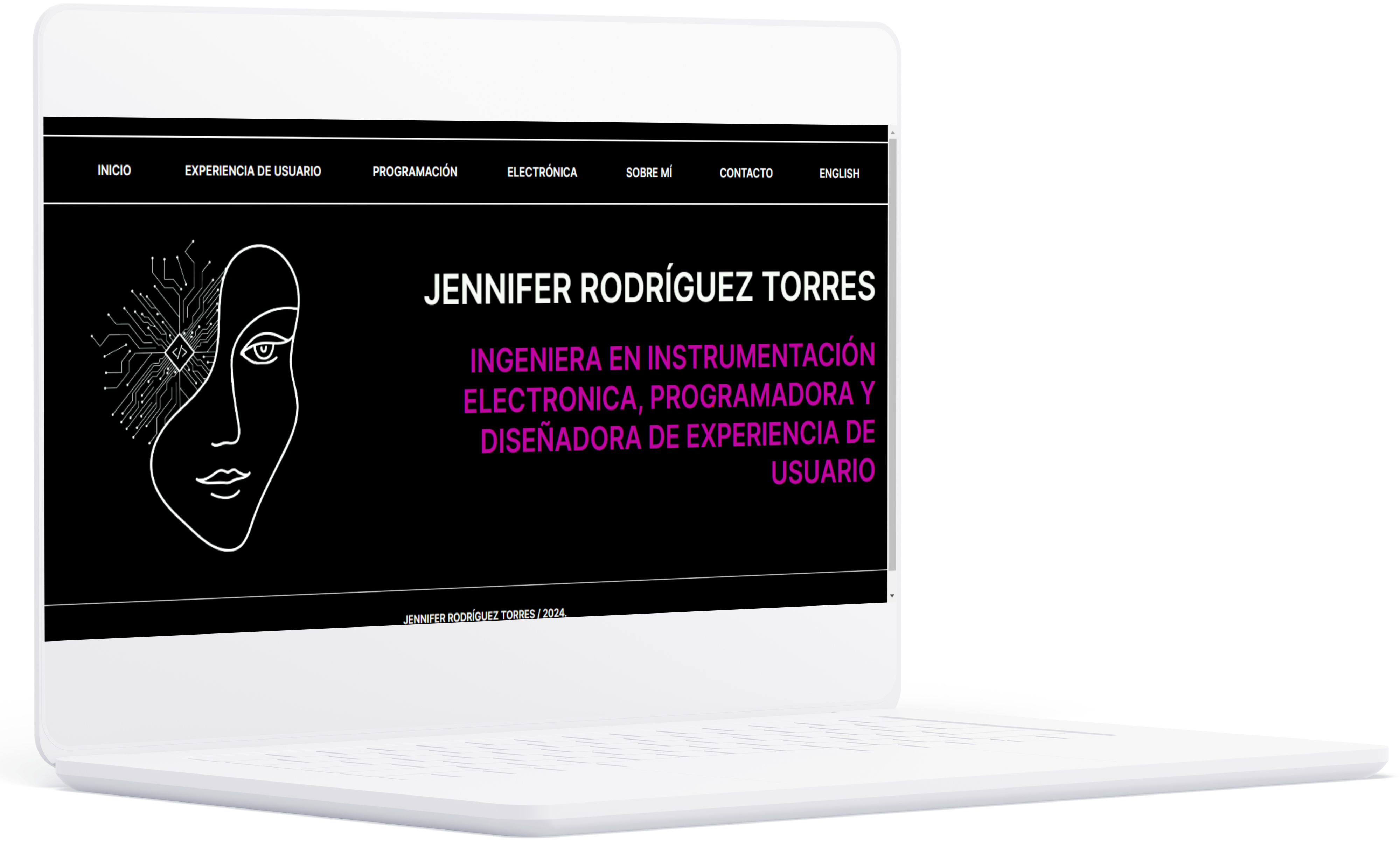
Lessons Learned and Reflections
This project was something I developed in my free time and enjoyed deeply, combining my interest in programming and user experience design. Throughout the process, I faced several challenges, from doubts about the design to difficulties positioning elements in HTML and CSS. Thanks to constant practice, I improved my skills and understanding of these languages. This project represents an opportunity to showcase my ability and passion for continuing to learn. I hope it also serves as inspiration to those starting out in this field, reminding them not to give up in the face of challenges and that it’s worth persevering in what you love to do.